Notepad++ plugin
Format on Save & Format and Copy
Two ways to make formatting disappear into the background: have every file tidy itself the moment you press Ctrl+S, or format a query without ever touching your file — the result goes straight to your clipboard, ready to paste into a Slack message or email.
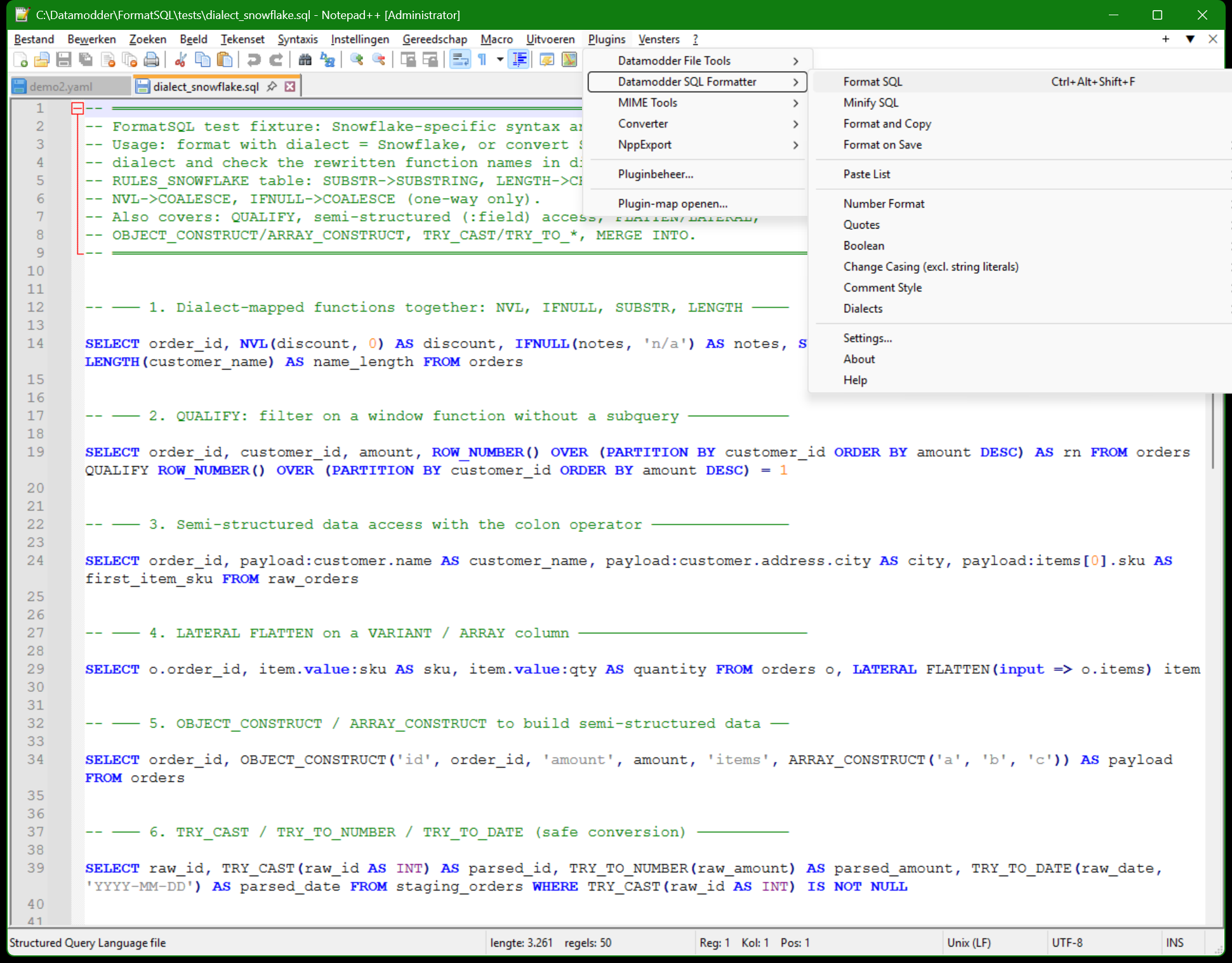
Format on Save: toggle it, and it stays that way
Plugins → Datamodder SQL Formatter → Format on Save → On enables automatic formatting; a checkmark in the submenu shows the setting is active. The plugin listens to Notepad++'s own NPPN_FILEBEFORESAVE event, so every time you save (Ctrl+S, or Notepad++ auto-saving) the file gets formatted first using your current settings. The on/off state is written to the settings ini, so it's still set correctly after restarting Notepad++.
Format and Copy: format without touching your file
Sometimes you want to share a tidy query without changing your own working file — a snippet for a colleague, or a ticket, say. Plugins → Datamodder SQL Formatter → Format and Copy formats your selection (or the whole document) and puts only the result on the clipboard; the file itself stays exactly as it was.
Before
-- werkbestand blijft ongewijzigd
select id,status,amount from orders where status='open'
After
-- op je klembord, klaar om te plakken
select id
     , status
     , amount
  from orders
 where status = 'open'
Frequently asked questions
Does Format on Save also format files without a .sql extension?
Yes, it reacts to any file you save in Notepad++ while the setting is on — handy for .sql, but also for something like a .txt file containing a query. Turn the setting off for sessions where you don't want that.
What happens if the file contains non-SQL content and Format on Save is on?
The formatter is conservative: text it doesn't recognize as SQL syntax is left alone. To skip a specific file or block entirely, use -- @formatter:off / -- @formatter:on.